AI Image Editor — Instantly edit photos with smart AI
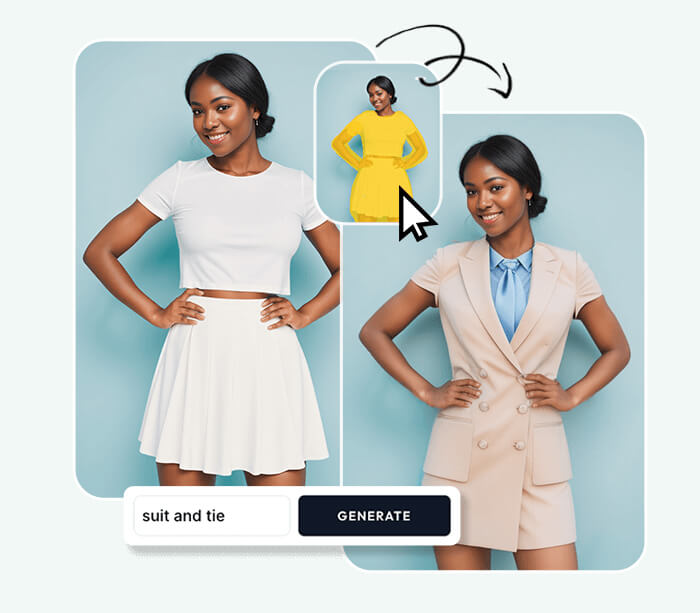
AI Image Editor lets you transform photos fast using intelligent tools. Upload an image, describe edits, and receive polished results in seconds with AI Image Editor — no signup needed.



Feedback
AI Tools
Explore AI tools

AI Image Editor Examples
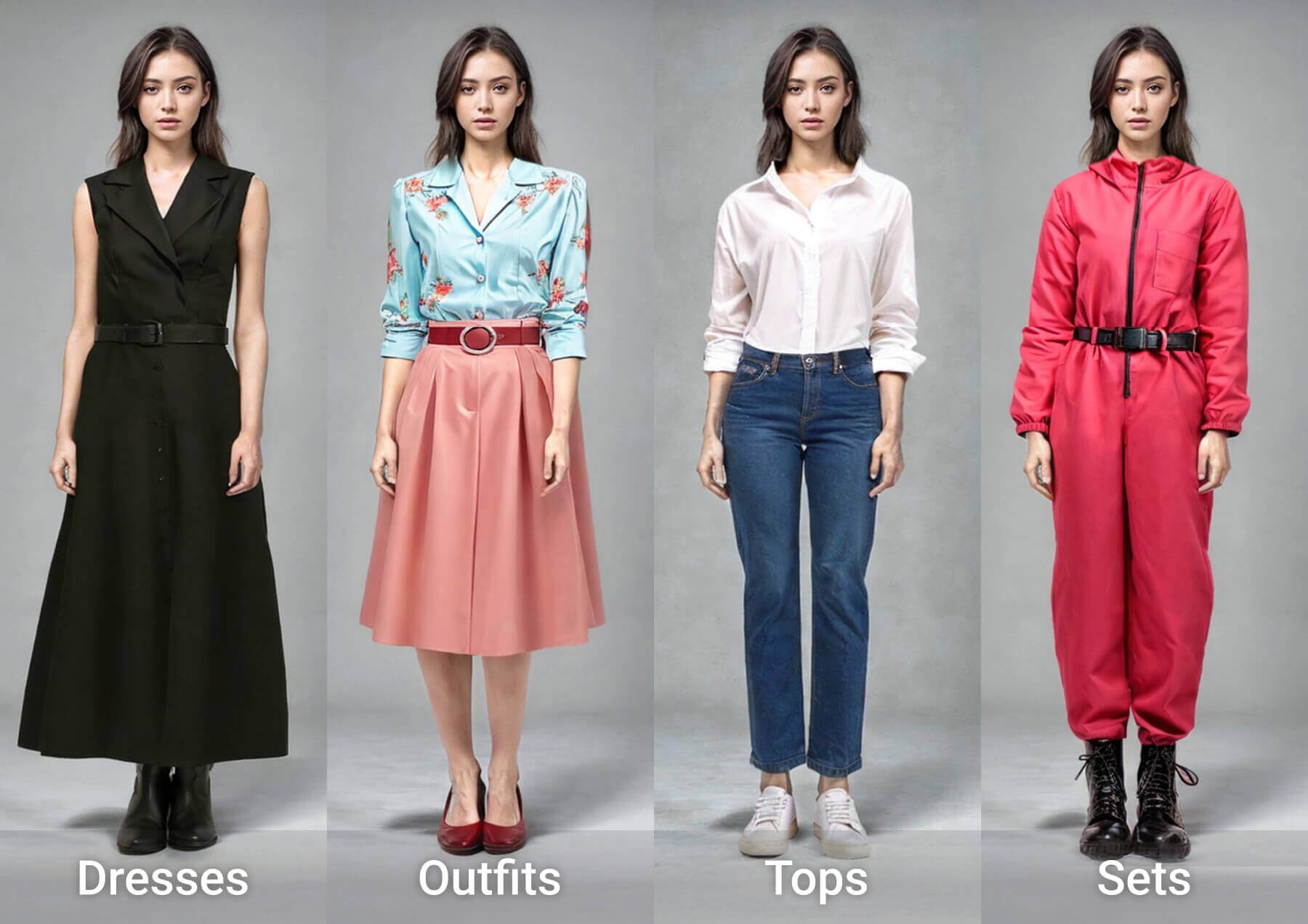
See what our AI Image Editor can do. Remove backgrounds, change styles, enhance photos instantly.


What is AI Image Editor?
AI Image Editor is a web app that makes photo editing easy and fast. Use AI Image Editor to enhance quality, remove backgrounds, or apply creative styles with simple prompts.
- No Skills NeededJust describe what you want.
- Instant ResultsGet edits in seconds.
- Free to UseNo sign-up required.
Why Choose Our AI Image Editor?
AI Image Editor combines simplicity and power — pick models, refine prompts, and get reliable edits fast. AI Image Editor supports both casual and professional workflows.

How to Use AI Image Editor
Use AI Image Editor in three easy steps: upload, describe edits, and download the improved photo. AI Image Editor guides you through each step.
AI Image Editor Features
Key tools inside AI Image Editor include background removal, style transfer, color correction and precise object removal for rapid improvements.
Background Removal
Quickly remove backgrounds with AI Image Editor while preserving edges and subjects.
Style Transfer
Apply artistic or photographic styles using AI Image Editor to transform mood and tone.
Color Adjustment
Use AI Image Editor to refine colors, exposure, and contrast with simple instructions.
Object Removal
Remove distracting objects cleanly using AI Image Editor's inpainting tools.
Image Enhancement
Enhance resolution, sharpen faces, and reduce noise with AI Image Editor.
Re-generate Option
Iterate edits in AI Image Editor until you get the desired result.
AI Image Editor FAQ
Common questions about our AI Image Editor. Learn about features, pricing, and capabilities.
What is AI Image Editor?
A free online tool that uses AI to edit photos. Upload, describe changes, get results in seconds.
Do I need design skills?
No. Just describe what you want in plain language. The AI Image Editor handles the rest.
Is AI Image Editor free?
Yes. Basic editing is free with no sign-up. Premium features available for advanced needs.
What formats are supported?
Upload JPG or PNG. Download in multiple formats including high-quality exports.
Can I re-edit results?
Yes. Use AI Image Editor to regenerate with new prompts until you're satisfied.
Is it safe for personal photos?
Yes. Your images are processed securely and not stored permanently.
Start Editing with AI Image Editor
No complex software needed. Upload your photo, describe changes, and let our AI Image Editor do the work. Free and instant.